Create an editable Word document from a PDF
Select a PDF and page range. Editable mode transfers text, lines, page breaks and recognized simple tables. Compare the source page and extracted text, correct errors and download DOCX.
Convert PDF to Word DOCX. Review editable text and simple tables; use English or Turkish OCR for scanned pages. Files stay on your device.
Select a PDF and page range. Editable mode transfers text, lines, page breaks and recognized simple tables. Compare the source page and extracted text, correct errors and download DOCX.
For scanned pages, keep automatic OCR enabled and choose the document language. If appearance matters more, select Preserve appearance: pages are inserted into Word as images, so the text is not editable.
Complex or multi-column layouts, custom fonts, images and headers/footers are not preserved exactly in editable mode. OCR may misread numbers and letters. Up to 80 PDF pages and 20 OCR pages; encrypted PDFs are unsupported.
Word and TXT to PDF · PDF to JPG and PNG · Batch Image Converter · Application PDF Preparer · PDF Tables to Excel and CSV · Image and PDF to Text (OCR)
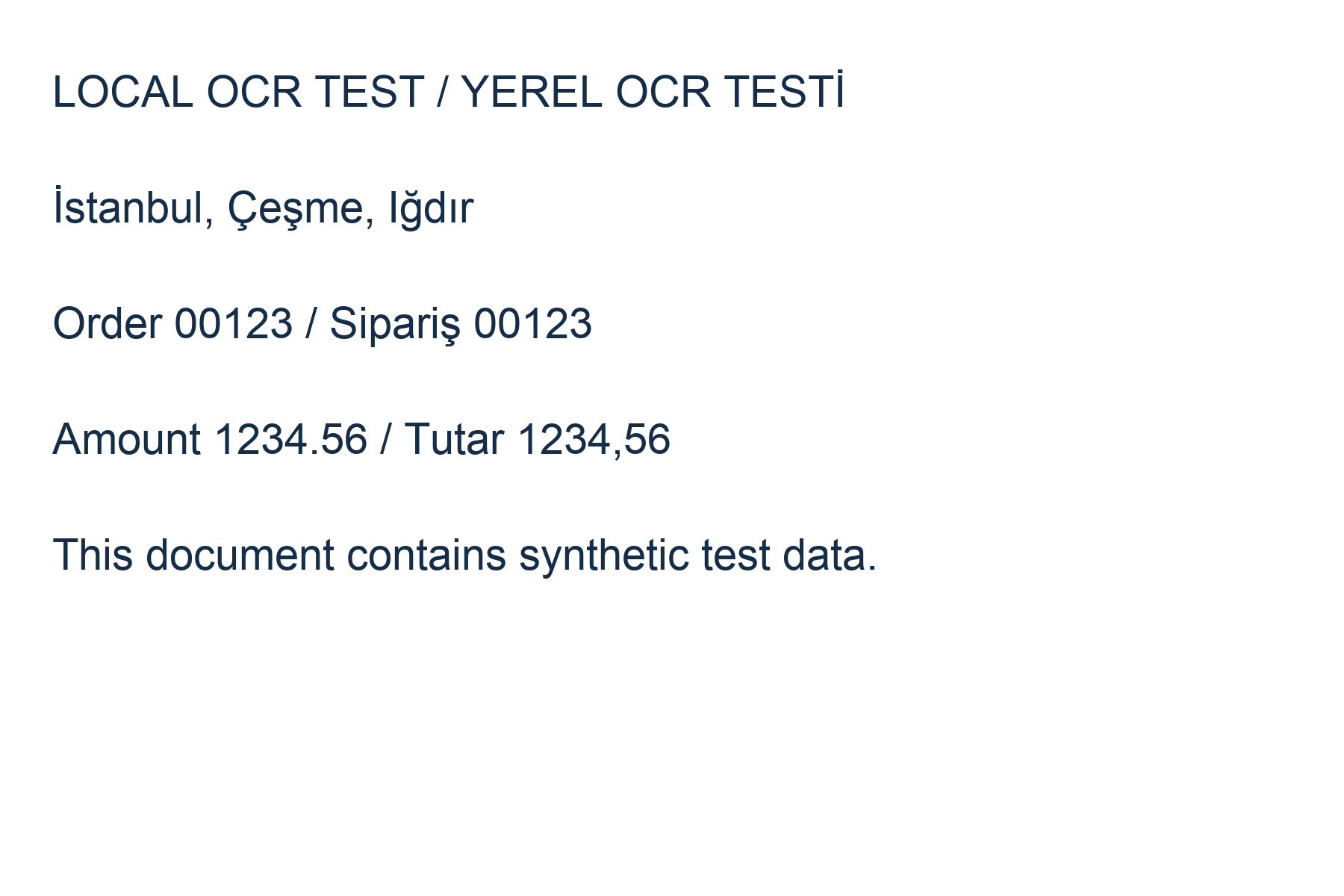
Try invented test data before selecting your own document. The table includes identifier 00123 and a repeated page header.
Two-page sample table · Sample CSV · OCR test image · Sample image ZIP