Move a PDF table to Excel with a review step
Select a text-based PDF and choose pages and table region. If automatic columns are insufficient, set boundaries as percentages of page width. For example, 25,55,75 creates four columns.
Extract PDF tables to Excel and CSV; use local OCR for scans. Adjust columns, choose number formats and review editable cells before downloading.
Select a text-based PDF and choose pages and table region. If automatic columns are insufficient, set boundaries as percentages of page width. For example, 25,55,75 creates four columns.
Compare cells against the source page. Codes such as 00123 stay as text. Set amount columns to Number and choose EN for 1,234.56 or TR for 1.234,56. Column sums and uncertain-cell counts help with the final check.
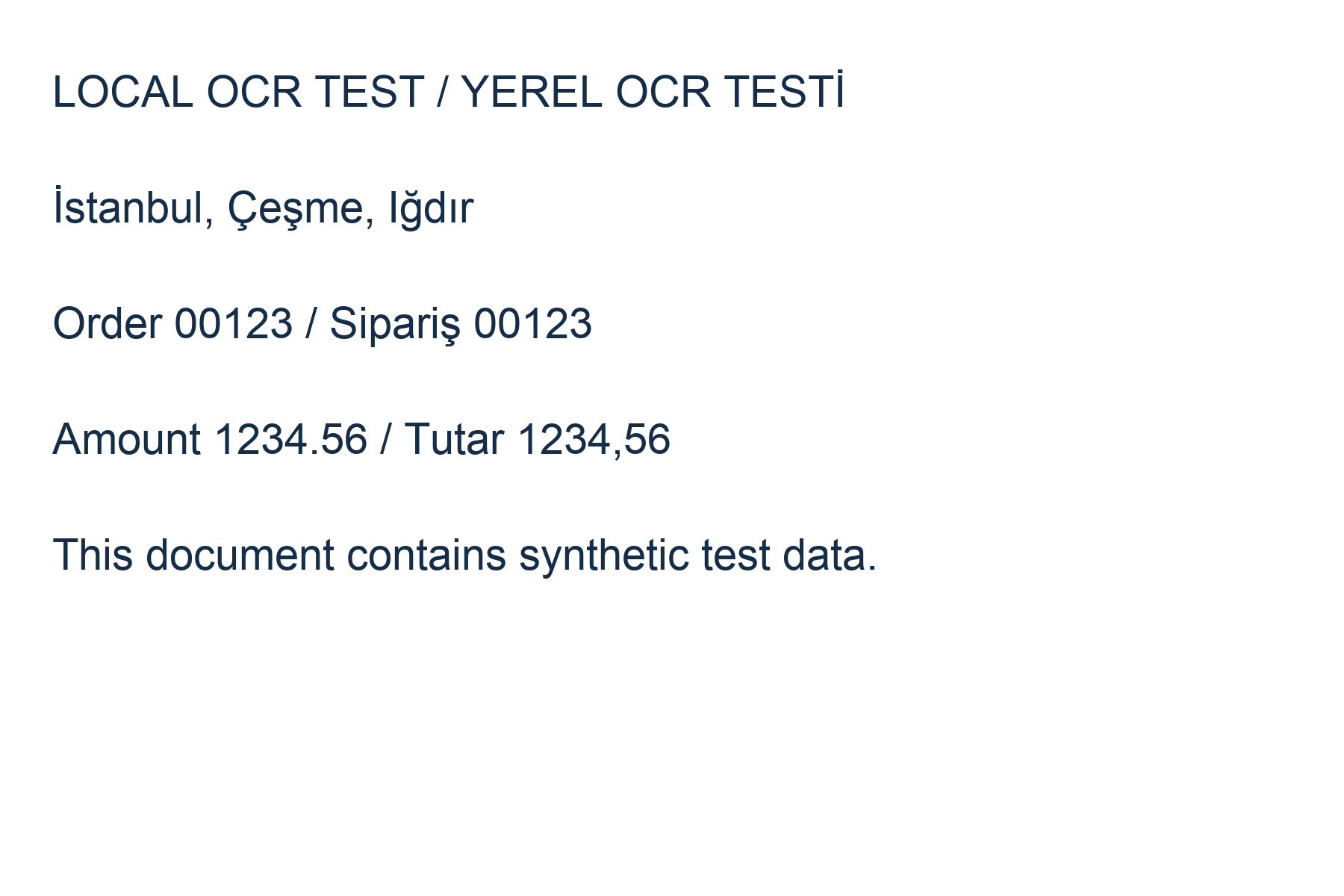
This workflow does not claim perfect interpretation of scanned tables or bank statements. Optional local OCR reads up to 20 scanned pages; compare numbers with the source. Merged cells, multi-line records and varying layouts may require manual correction. Limits: 2000 rows and 40 columns. Formula-like CSV text is escaped.
Word and TXT to PDF · PDF to JPG and PNG · Batch Image Converter · Application PDF Preparer · PDF to Word · Image and PDF to Text (OCR)
Try invented test data before selecting your own document. The table includes identifier 00123 and a repeated page header.
Two-page sample table · Sample CSV · OCR test image · Sample image ZIP